
 Free, built in
 WB Gamification
BuddyNext + WB Gamification
Points, badges, and levels for real community activity, surfaced where members actually see them.
What happens when someone uses it
One action, everywhere it lands
A member earns a badge or levels up
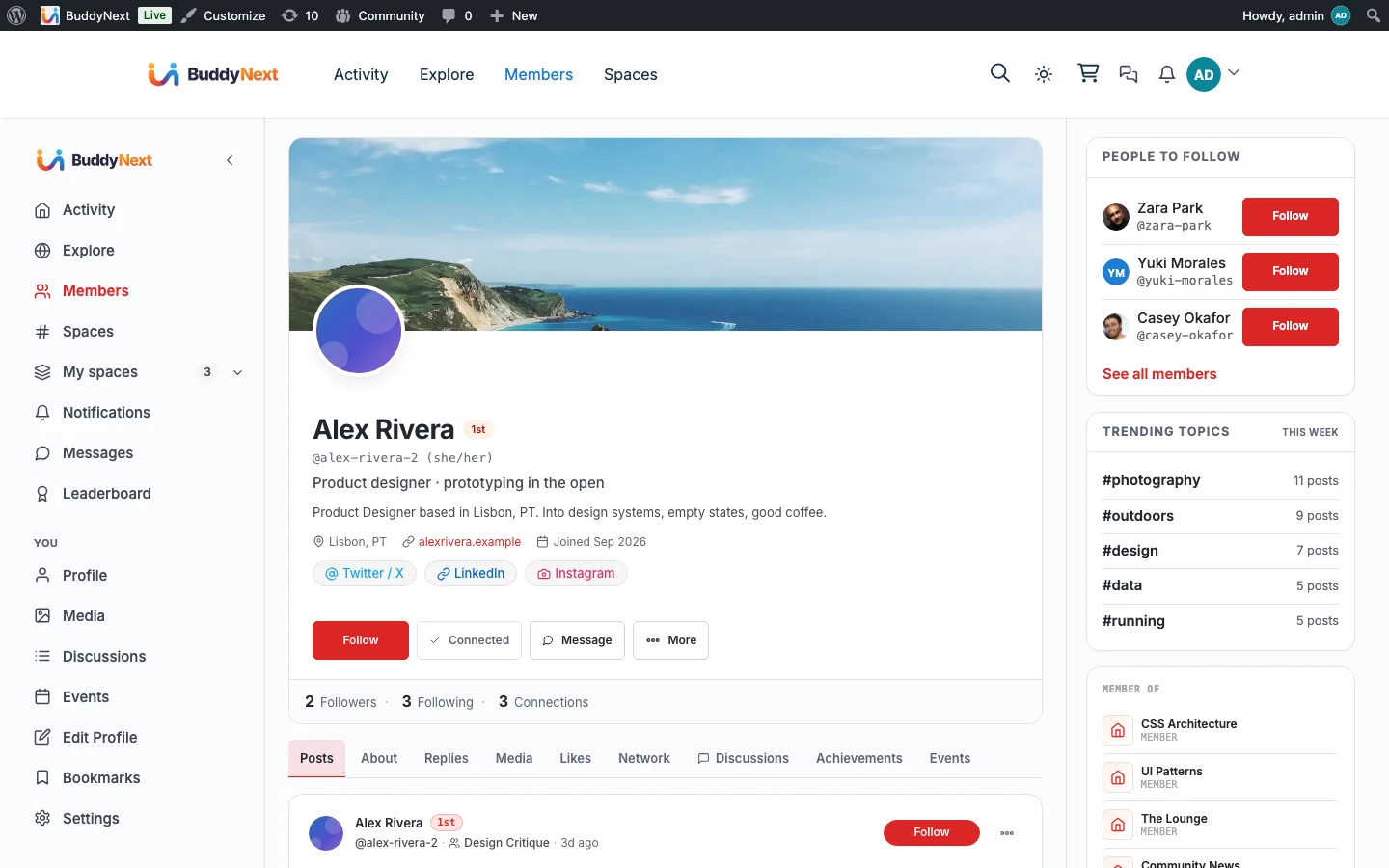
- Member profile An Achievements tab with the grid, level and streak
- Activity feed Credential badges the member chooses to share
- Notification bell Badge awards and level-ups
The bridge self-guards on WB Gamification and quietly does nothing when it is not installed, so none of this appears until you turn it on.
What it changes
Your community with WB Gamification in it
Each of these is something a member can do the day you turn it on, and what it changes for whoever runs the place.
-
Earn points, badges and levels for taking part, and see the grid, level and streak on their own profile.
What changes
Contribution becomes visible to the person making it, which is the cheapest retention mechanism a community has.
-
Keep a new credential badge private until they choose to share it, and take it back off the feed by unsharing.
What changes
Recognition is public only by consent, and the feed never degrades into a stream of trophy notices people learn to scroll past.
-
Get badge and level-up alerts in the same bell as replies and mentions.
What changes
Members hear they were recognised at the moment it happens, rather than the next time they think to open their profile.
How it works
The flow, step by step
- 1 WB Gamification owns the rules and the points. Its own BuddyNext manifest awards points for community activity.
- 2 When a member shares a credential badge, the bridge publishes a feed card linking to the badge’s share page. Unsharing hides the card, and sharing again brings back the same card with its reactions and comments.
- 3 Badge and level-up events mirror into the BuddyNext bell. The bridge only listens, so nothing is ever double-counted.
For developers
The bridge self-guards on the partner plugin and no-ops when it is absent. Key hooks: wb_gam_badge_shared, wb_gam_badge_unshared, wb_gam_badge_awarded, wb_gam_level_changed.
If WB Gamification is not installed
The bridge is wired up regardless, but every part of it checks for WB Gamification before doing anything, so on a site without it no badge cards, no level notifications and no streak appear. The profile Achievements, Points and Kudos tabs come from BuddyNext itself rather than this bridge, so what you see without the plugin is those tabs with nothing in them.
What to check once it is on
Award a credential badge to a test member and confirm both the feed card and the bell notification arrive. Then check a participation badge does not post a card, since only credential badges are meant to. Finally look at a member's profile and confirm the streak matches what WB Gamification reports; if BuddyNext shows its own number instead, the streak handover is not running.
WB Gamification questions
- Does BuddyNext award the points?
- No. WB Gamification owns every rule and every point; its own BuddyNext manifest decides what community activity earns. This bridge only reads the results and broadcasts them, which is why there is no points configuration on the BuddyNext side.
- Do all badges post to the feed?
- Only credential badges. Participation badges are earned constantly and would bury the feed, so they stay on the member's profile.
- Why do I not see “you already claimed this” messages?
- They are suppressed on purpose. Cooldown, daily cap and weekly cap notices tell a member off for taking part, so BuddyNext hides them and lets the positive ones through. A filter re-enables them if you disagree.
- Where does the streak on a profile come from?
- From WB Gamification, not from BuddyNext. When the plugin is active BuddyNext defers to its streak so the two never disagree, which they would if both counted separately.
Turn it on
Setup
Default on. Install WB Gamification from BuddyNext, Integration Settings; configure points, badges, and levels inside the gamification plugin.