
Gamification: points, badges, and levels
Free & ProGamification rewards members with points, badges, and levels for taking part in your community. Members earn points for everyday actions like posting, reacting, connecting, and joining spaces, and that score builds into badges, levels, and a place on the leaderboard.
Gamification in BuddyNext is provided by the WB Gamification companion plugin. BuddyNext fires an action for each member event (a post, a follow, a reaction and so on); WB Gamification listens for those actions directly and awards the points itself, with no BuddyNext code in between. It owns the scoring, badges, and levels. When WB Gamification is not installed, the gamification surfaces stay quiet and nothing breaks.
Why use it
A community grows when members come back and contribute, not just read. Points and badges turn ordinary participation into visible progress, so members have a reason to post that first update, react to a neighbor's photo, or finish their profile.
Owners reach for gamification when activity is flat or new members lurk without engaging. A few well-placed rewards nudge people from watching to doing: a new member who earns points for completing their profile and making a first connection feels welcomed and invested. Over time the leaderboard and badges give your most active members public recognition, which keeps them around and sets an example for everyone else.
It works best as a light touch on top of a healthy community, not a scoreboard that overshadows real conversation. See the note on keeping it healthy in The community leaderboard.
How it works (for members)
Members do not configure anything. They earn points automatically as they use the community, and their badges, level, and rank appear on their profile.
How members earn points
Each social action a member takes fires a BuddyNext event; WB Gamification listens for it and adds the points, with a daily cap or a short cooldown on most actions so the same action cannot be farmed for endless points. The values below are BuddyNext's defaults for its own actions - the owner can change every point value, cap, and cooldown in WB Gamification, so treat these as starting values. A "Once" action pays out the first time only; everything else is repeatable up to its cap.
| Action | Who earns the points | Default points | Limit |
|---|---|---|---|
| Create a post | The author | 5 | Cooldown 30s, max 20/day |
| Share a post | The member sharing | 5 | Max 10/day |
| Write a comment | The commenter | 3 | Cooldown 30s |
| Someone reacts to your content | The content owner | 2 | Max 20/day |
| Vote on a poll | The voter | 1 | Max 5/day |
| Bookmark a post (first time) | The member saving it | 1 | Max 5/day |
| Gain a new follower | The member being followed | 5 | Max 10/day |
| Follow someone for the first time | The follower | 5 | Once |
| A connection request is accepted | The member who sent the request | 10 | Repeatable |
| Send a connection request | The member sending it | 1 | Max 5/day |
| Send a direct message | The sender | 1 | Max 10/day |
| Join a space | The member joining | 5 | Max 5/day |
| Create a space | The space creator | 10 | Repeatable |
| Update your profile (completion percentage changes) | The member | 2 | Cooldown 5 min |
| Reach 100 percent on the Profile Strength checklist | The member | 25 | Once |
| Complete the onboarding wizard | The member | 20 | Once |
| Give kudos to another member | The giver | 2 | See Kudos |
| Receive kudos from another member | The receiver | 5 | See Kudos |
A few rules keep scoring fair:
- A connection awards its points to the member who sent the request, paid out when the other person accepts it. (Site owners who want to reward both sides of a new connection can wire that up in WB Gamification.)
- A reaction rewards the owner of the content, not the person who tapped the reaction. Reacting to your own post does not award points.
- Members are never shown a "you hit your limit" message when a daily cap or cooldown quietly skips an award. Their post, comment, or reaction still goes through; only the invisible points bump is withheld. Nothing about their action looks like it failed.
Where badges and levels show
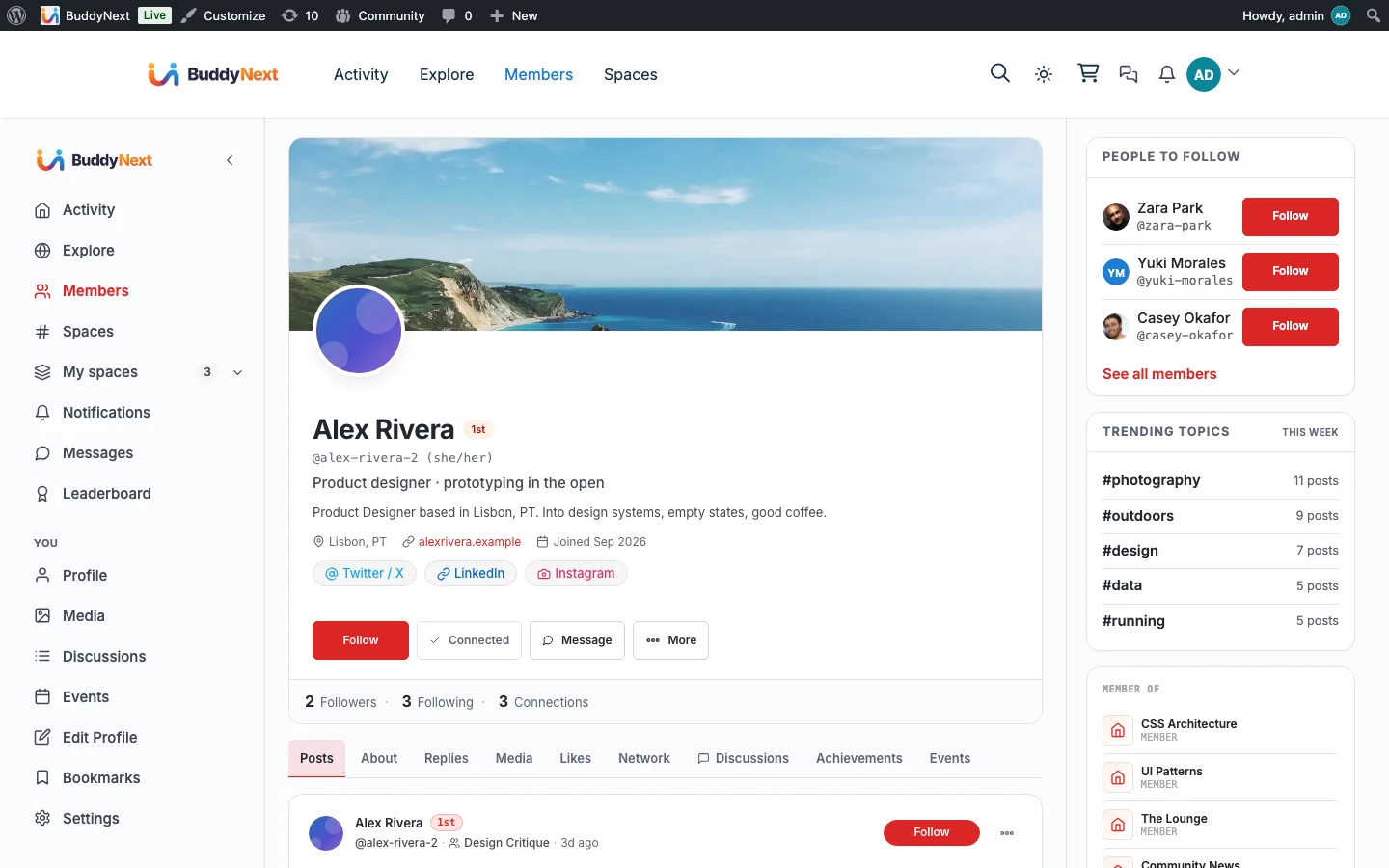
Profile. Gamification occupies one top-level profile tab, Achievements, with three sub-tabs:
- Achievements - the badge grid (earned badges plus the locked ones still to earn, so a member can see what to aim for next), a standing strip of points, leaderboard rank, level, and current streak.
- Points - the member's own points history (WB Gamification's history, labelled the same way as its point toasts) and its "How to earn points" guide listing every enabled action, grouped by category, with its point value and any cooldown or daily cap. Visible only to the member on their own profile.
- Kudos - the peer-recognition surface described in Kudos: peer recognition below.
The tab only appears once WB Gamification is active, and each sub-tab only shows once there is something to show (the parent tab still appears - and lands on Kudos - even for a member with no points or badges yet, since anyone can be given kudos).
Leaderboard. The ranked board lists top members with their points and badges, and shows the viewer their own rank, level (and how far to the next), and streak. See The community leaderboard for the full walkthrough. A "Leaderboard" link is also added to the main community navigation rail when gamification is active.
Notifications. When WB Gamification awards a badge or moves a member up a level, BuddyNext drops a notification in the member's bell so the win does not pass unnoticed.
Activity feed. When a member chooses to share a credential badge (not every small participation badge, only the ones marked as credentials), a card announcing it appears in the feed, crediting the member and linking to the badge on their Achievements tab. Un-sharing a badge withdraws the card; sharing it again brings the same card back rather than posting a duplicate.
Setting it up (for owners)
Gamification is an integration, so setup is two steps: install the companion, then point members at the leaderboard hub page.
1. Install the WB Gamification companion
From the BuddyNext admin, open the integrations area and install WB Gamification with one click. BuddyNext handles the download and activation for you; you do not upload a zip or search the plugin directory. Once it is active, BuddyNext starts sending member actions to it and the gamification surfaces come to life. See the Gamification integration page for the install walkthrough and what each surface lights up.
2. Set the gamification hub page
WB Gamification publishes a hub page that hosts the leaderboard and badge views. BuddyNext links to that page from member profiles (the "View leaderboard" link). The hub page is stored as the gamification hub page setting in WB Gamification.
| Setting | What it does | Default |
|---|---|---|
| Gamification hub page | The page BuddyNext links to for the leaderboard and badge views. Set this to the page WB Gamification creates so the profile "View leaderboard" link resolves. | None set until you choose a page |
Tip: Point values, badge rules, and levels all live in WB Gamification, not in BuddyNext. After installing the companion, open its settings to tune how generous each action is and which badges exist. BuddyNext only decides which member actions are reported and where the results show.
Good to know
- The activity streak is BuddyNext's own. The "N days in a row" card in the sidebar is the one exception to everything above: BuddyNext works it out itself, from the member's own posts, comments, and reactions. WB Gamification's own streak (shown on the Achievements tab and the leaderboard) is treated as the source of truth once it has a value for the member, so the two surfaces do not show two different streak numbers.
- Inert without the companion. If WB Gamification is not installed or not active, points, badges, and levels do nothing and no errors appear. The profile tabs, badge grid, and leaderboard hide themselves, and member actions simply carry on without being scored. Installing the companion later turns everything on with no further setup on the BuddyNext side.
- Self-reactions do not earn points. Reacting to your own content awards nothing, so members cannot farm points by reacting to themselves.
- The owner controls the numbers. The point values above are BuddyNext's defaults. Every value, cap, cooldown, badge, and level threshold is editable in WB Gamification, so your community's economy is yours to balance.
- Nothing to back-fill. Points accrue from the moment the companion is active. Actions taken before install are not retroactively scored.
- Profile privacy covers standing too. Who can see a member's points, badges, rank and kudos follows their BuddyNext profile privacy (including blocks, followers-only and connections-only), everywhere: the Achievements tabs, the leaderboard (a hidden member keeps their rank and points but shows no badges), and WB Gamification's own blocks and API. WB Gamification's own public-profile switch is replaced by a note saying the community plugin decides.
- Your inbox shows the moments that matter. Besides badges and level-ups, a member's BuddyNext notifications show kudos they receive (removed again if an admin revokes it), challenges they complete, a reward that is ready, a badge credential that expires, a new personal best for the week or month (once per period, kept up to date as it grows), and streak milestones (7, 14, 30, 60, 100, 180 and 365 days). None of them is emailed by BuddyNext, and each can be switched off under notification preferences. A level drop (for example after points are deducted) is not announced.
- Badge and level emails come from WB Gamification. BuddyNext shows badge and level notifications in its notification center but never emails them, and leaves them out of its email digest, so a member never gets the same news twice. Edit those emails in WB Gamification.
- Forum leaderboard handoff. If WB Gamification is set to hand the leaderboard to Jetonomy, BuddyNext hides its own leaderboard links, and its leaderboard address forwards to the Jetonomy leaderboard, so the community has one board.
- A read-only achievements endpoint exists for the app.
GET /buddynext/v1/users/{id}/achievementsreturns the same badges and standing tiles the Achievements tab renders, gated by the same profile-visibility rules a viewer would hit on the tab itself (a blocked or private viewer gets an empty result, not an error).
Free vs Pro
Gamification works the same whether or not BuddyNext Pro is active. It depends on the WB Gamification companion, not on the Pro license. The actions BuddyNext reports, the profile tiles, the leaderboard, and the badge and level notifications are all available in the free plugin once WB Gamification is installed.
Related
- The community leaderboard - the ranked board that reads these points
- Kudos: peer recognition - the give-and-receive recognition tab next to Achievements and Points
- WB Gamification - the companion plugin that owns scoring
- Reactions - one of the actions that awards points